
Product Families and Objects
Native content for Revit, Archicad, Allplan and Tekla, parametric where your range is parametric, carrying the technical data a specifier needs rather than only the geometry.
Services
BIM objects, product families and configurators that put your range inside the tools specifiers already work in, so your product is there at the moment the decision is made.
Get Started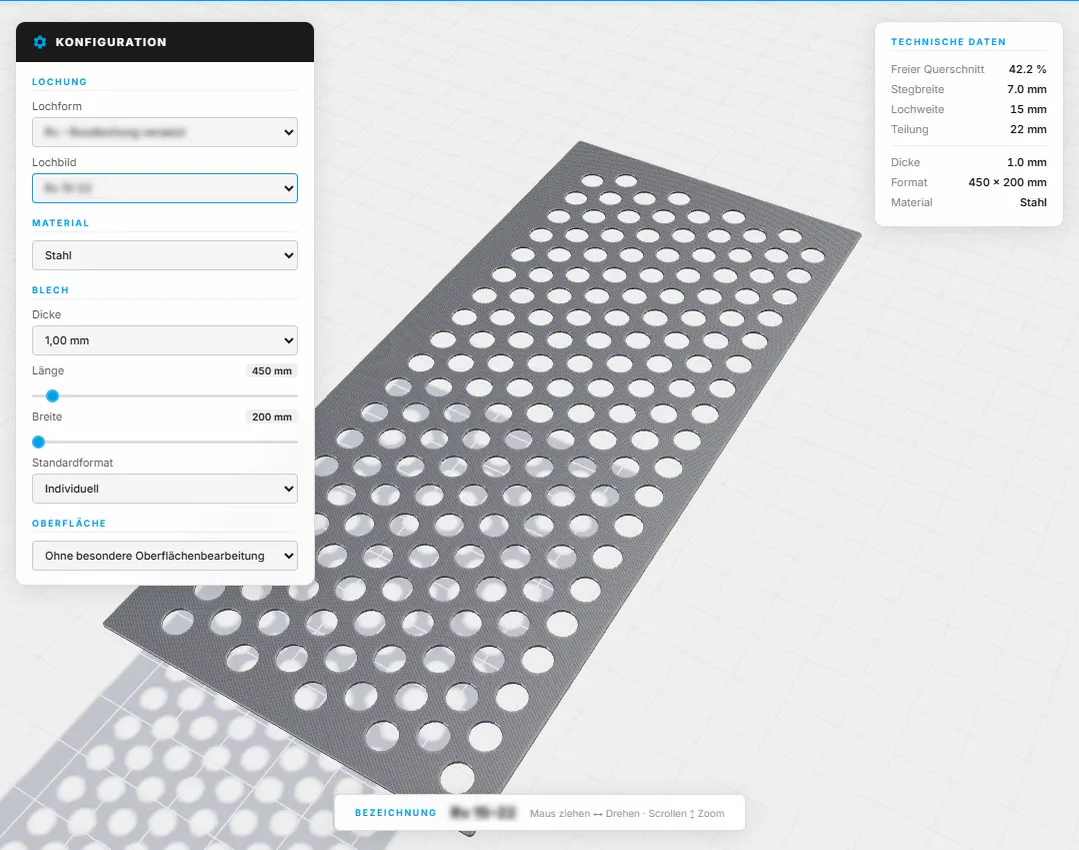
What we build
A PDF catalogue asks a specifier to do the modelling work themselves. Most will reach for whatever is already available as an object instead, and that decision sticks for the rest of the project. Getting your range into that library, in the formats the design tools expect and at the level of detail they can carry, is what this work is.
Native content for Revit, Archicad, Allplan and Tekla, parametric where your range is parametric, carrying the technical data a specifier needs rather than only the geometry.
Interactive tools that let an engineer size and specify a product visually and take away the object and the documentation, without waiting for a sales call.
Content is only useful while it matches the catalogue. We build so updates flow from your product data rather than being remodelled by hand every time a range changes.
* Manufacturers have reported a marked drop in repetitive technical enquiries once the data is in the object. What a given range achieves depends on the market and how specifiers there work.
We go through your range with your technical team and establish what an object actually has to carry. Which parameters does a specifier set, which are fixed, and which properties have to survive into a schedule or a tender document. Too much detail makes a model unusable, too little makes the object worthless. This step decides which it is.
Content is produced for each target platform and tested the way it will be used, in real project files, at real project sizes. We check that it places correctly, schedules correctly, and does not drag a model to a halt when somebody puts two hundred of them in a facade.
The content goes out through the channels your customers use, your own site and the libraries they search. From there we keep it aligned with your catalogue as products change, so what a specifier downloads is what you actually sell.
A specifier who finds an object that does not schedule properly, or whose data does not match the technical sheet, will not come back for the next project. We treat the content as part of the product: checked against your own documentation, tested in real models, and maintained as the range moves.
Tell us what you make and where specifiers currently give up looking for it. We will come back with an honest read on what content would change that.