
Better Than a BIM Object
Building product manufacturers invest heavily in developing great products. But if those products are hard to use inside a BIM tool, engineers and drafters will work around them or skip them entirely.
That is the challenge we took on when Peikko Group Corporation, a leading global supplier of connection technology for precast concrete structures, approached us to develop something better than static BIM objects for Allplan.
What started in 2022 as a conversation about parametric column shoes has grown into a suite of intelligent placement tools that fundamentally change how structural engineers work with Peikko products in their daily design process.
The Problem with Static BIM Objects
Most building product manufacturers offer downloadable BIM objects. 3D models of their products that engineers can drop into their design software. These objects look right, but that is about all they do.
A structural engineer designing a column to foundation connection with Peikko column shoes does not just need a 3D model. They need to select the right product variant from a catalogue of dozens. They need to place it correctly relative to the column and foundation geometry. They need to assign the right attributes for scheduling and reporting. They need to generate additional reinforcement around the connection with correct diameters, spacing, and bending shapes based on structural design tables. And they need all of this to update when the design changes.
Doing this manually takes time, introduces errors, and creates friction that slows down adoption.
What We Built Instead
We developed the Peikko Allplan Toolbox, a family of PythonParts plugins that integrate Peikko products directly into the Allplan design workflow. Not as passive objects, but as active, parametric placement tools with built in engineering intelligence.
The toolbox currently includes four product families.
Column Connection Tools cover Peikko's column shoes (HPKM, PEC, BOLDA, HELKA) and anchor bolts (HPM, PPM). The engineer selects a column and foundation in the model, chooses their connection parameters such as anchor layout, offset, and joint thickness, and the tool generates the complete connection automatically. Column shoes and anchor bolts are placed, oriented, and attributed in one step. Change the column size later, and the connection adapts.
MODIX Rebar Coupler Tools integrate MODIX rebar couplers into reinforcement designs. Instead of manually placing individual coupler objects and hoping the positions align with the rebar layout, the tool handles placement within the Allplan reinforcement workflow. Reliable connections with correct attributes for scheduling.
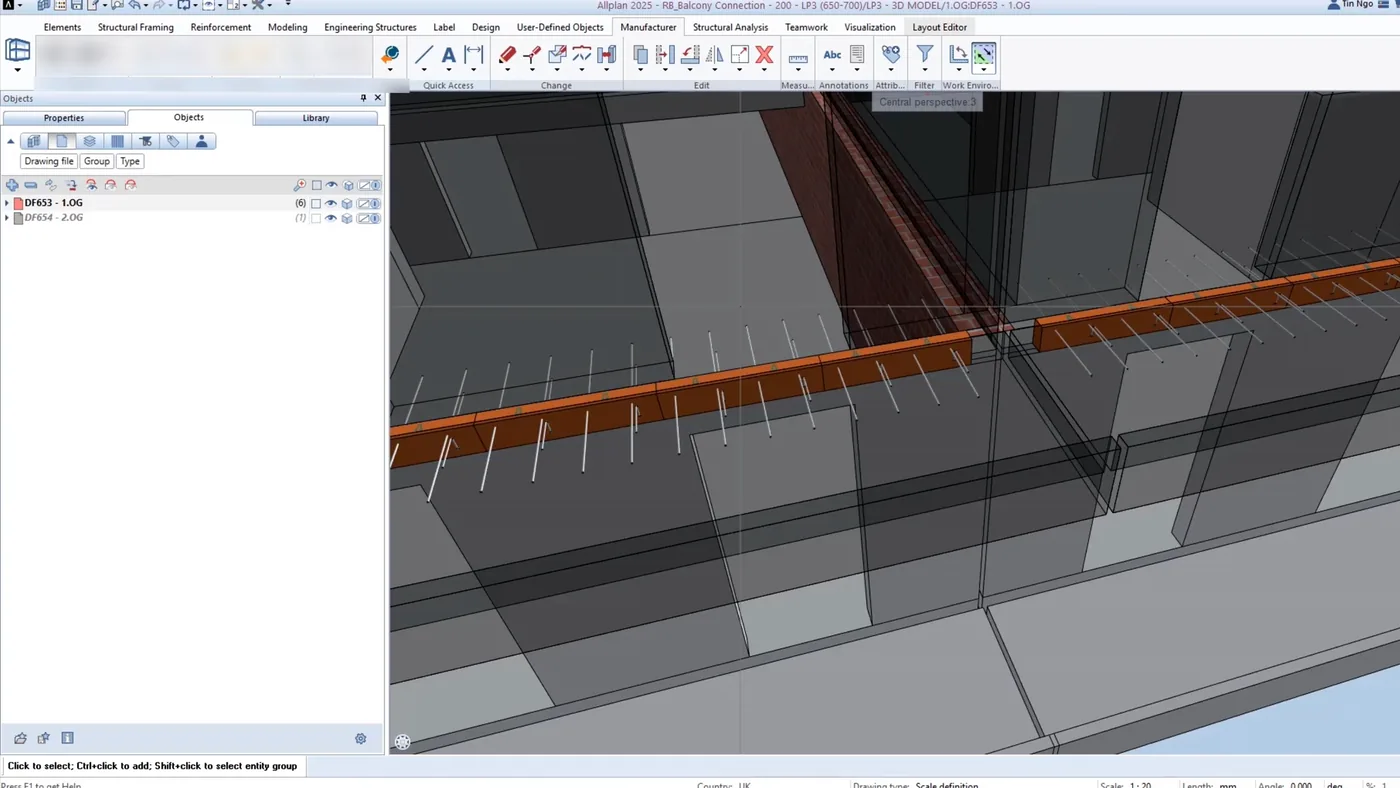
TEBEA Balcony Connector Tools address thermal break elements for balcony connections. Engineers select from a broad range of TEBEA components suited to different balcony geometries, and the tool ensures both structural performance and thermal efficiency requirements are reflected in the model.
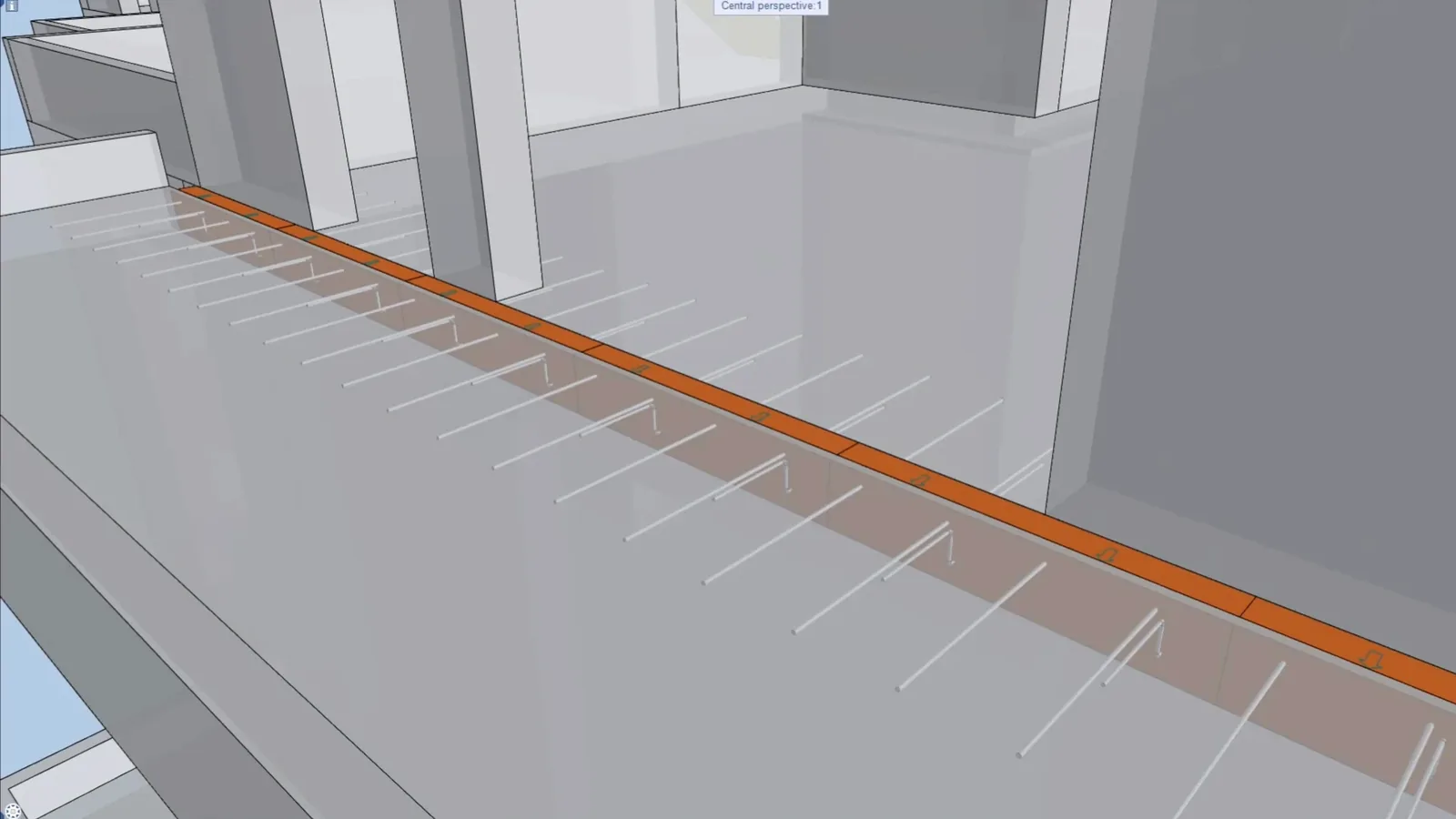
WINCO Corbel Tools are the newest addition and where the approach really shows its depth. The WINCO Corbel is a steel component that provides hinged support for TT slabs and secondary beams. Three variants (WINCO 65, 100, 130) with different load capacities and steel profiles. The engineer clicks two points to place the corbel, and the tool generates the full 3D geometry including steel profile, bearing plate, and anchor bar with headed stud, all parametrically from the technical manual dimensions.
But the real value is in the reinforcement. The tool can generate all 10 reinforcement positions specified in Peikko's design tables: tension ties, inclined stirrups, vertical and horizontal U stirrups, front stirrups, and in situ slab reinforcement. Each position's diameter, quantity, and length is looked up automatically based on three inputs: WINCO type, slab thickness, and web height. The engineer toggles reinforcement on and gets a structurally correct, ready to document reinforcement layout in seconds. What used to take an experienced detailer 30 to 60 minutes of manual work, consulting tables, placing individual bars, checking clearances, now happens parametrically.
Why This Matters for Structural Engineers
The difference between a BIM object and a placement workflow is the difference between having a component on your desk and having it installed in your project.
With a static BIM object, the engineer still has to do all the engineering work: look up the right variant, orient it correctly, add the reinforcement, assign attributes, generate reports. The BIM object just saves them from modelling the geometry from scratch.
With an intelligent placement tool, the engineering knowledge is embedded in the software. The design tables, the product catalogue, the placement rules, the reinforcement logic. It is all built in. The engineer makes design decisions such as which product, what geometry, and what loads. The tool handles the execution.
The Technical Foundation
All tools are implemented as Allplan PythonParts using the Allplan Python API. This is a deliberate architectural choice. PythonParts are native Allplan objects. They participate in Allplan's attribute system, reporting engine, and precast workflows. They can be displayed in element plans and shop drawings. They support edit mode, so engineers can modify placed products at any time.
The toolbox reads product data from a built in catalogue database, which ensures the tools work offline and perform fast. Product updates such as new sizes, modified dimensions, or discontinued variants are delivered through software updates as part of an annual maintenance package.
Current supported versions are Allplan 2025 and 2026, with 2027 support in preparation.